If you use Telegram across multiple devices, you’ve likely wondered: does Telegram have a web version that works without installing an app? The short answer is yes. Telegram offers a full-featured official web client that runs directly in any modern browser, making it easy to access your chats, groups, and shared files from any computer, even if you can’t download or install desktop software.
In this guide, we break down everything you need to know about the telegram web version, how the telegram browser version compares to native apps, exactly where files download from telegram web, and how official web access stacks up against unofficial telegram mod apk builds you can grab on our site.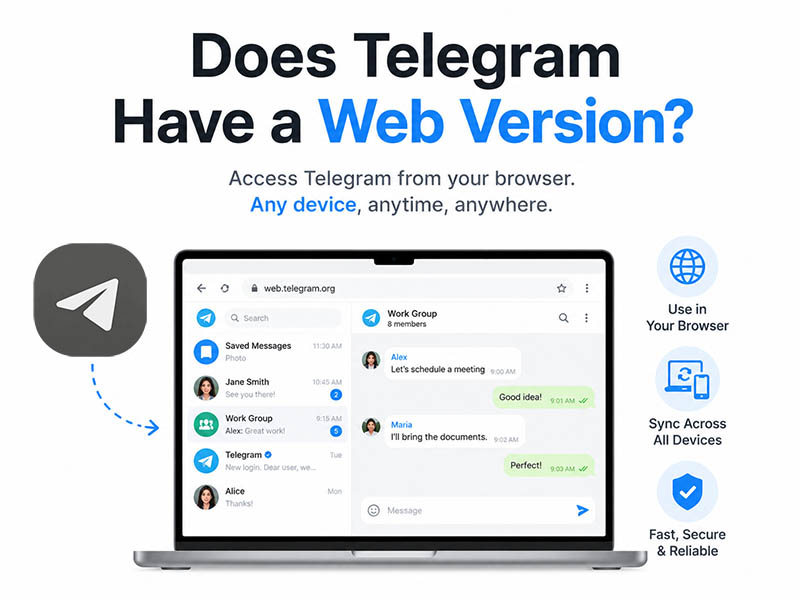
Does Telegram Have an Official Web Version
Telegram does offer an official, fully supported web platform. In fact, there are two separate official web clients available at web.telegram.org: Web K and Web A. Both count as a legitimate telegram browser version; they require no installation, no desktop downloads, and work on any device with a modern web browser and an internet connection.
The telegram web version works across all major browsers including Chrome, Firefox, Microsoft Edge, and Safari. All your messages, media, contacts, and channel subscriptions sync in real time with your mobile and desktop Telegram sessions, so you can switch between devices without interruption.
- Web K: The primary, recommended telegram web version, built for speed and full feature parity with the desktop app. It receives updates first and supports the broadest set of features.
- Web A: The alternative official web client, with a distinct interface design and smoother animated transitions. It is fully secure and official, but follows a slower update schedule.
If you want an in-depth breakdown of their performance gaps, feature differences and suitable usage scenarios, check our dedicated guide: Telegram K Version vs A Version: What‘s the Difference.
Key Features of the Telegram Web Version
The telegram browser version supports nearly all core Telegram functionality, making it suitable for both casual messaging and daily work use. Key features include:
- Real-time sync of all chats, groups, and channels
- Full support for text messages, stickers, GIFs, emoji, and voice messages
- File and media sharing for photos, videos, documents, and archives up to Telegram’s official size limit
- Voice and video calling (fully supported in Web K)
- Full search across your entire chat history
- Basic group and channel management tools
- Custom notification settings and privacy controls
- Multiple active sessions alongside your mobile and desktop apps
A small number of advanced features are limited or unavailable in the web version. For most everyday users, however, the telegram web version delivers a complete messaging experience.
How to Log Into the Telegram Browser Version
Accessing your account via the web takes less than a minute:
- Open your preferred web browser and navigate to the official Telegram Web site.
- Select your preferred telegram web version.
- Choose your login method:
- QR code scan: Open Telegram on your primary phone, go to Settings > Devices > Link Desktop Device, and scan the QR code displayed on the web page.
- Phone number login: Click “Log in by phone number”, enter your phone number, and confirm with the verification code sent to your Telegram account or via SMS.
- After verification, your chat list will load automatically and you can begin messaging immediately.
Download from Telegram Web: Where Do Your Files Go
If you’ve ever asked download from telegram web where your saved files end up, you’re not alone. This is one of the most frequently asked questions about the browser client. Unlike the native desktop app, the telegram web version follows your browser’s built-in download rules.
- Default save location: All photos, videos, documents, and archives downloaded from Telegram Web are saved to your browser’s default Downloads folder. On Windows this is typically your user profile’s Downloads folder; on Mac it is the Downloads folder in Finder.
- Changing the save location: You can adjust your browser’s settings to select a different default folder, or enable the option to choose a save location for every individual download.
- Preview before saving: Images and short videos can be previewed directly in the browser without downloading first, just like in the desktop app.
- Large file notes: The telegram browser version supports large file downloads matching Telegram’s official limits. Very large files may download slightly slower compared to the desktop app, and interrupted downloads cannot always be resumed.
What You Should Know About Telegram Mod APK
1. Standout Features of Telegram Mod APK
The telegram mod apk available on our download portal unlocks dozens of quality-of-life upgrades absent from the telegram web version and stock Telegram app:
- Unlimited custom UI themes, fonts, chat bubble layouts, and custom icon packs
- Advanced privacy controls: hide read receipts, disable online status selectively, block typing indicators
- Powerful media manager: one-click bulk download of all photos/videos from any chat or channel
- Removed file upload limits, custom sticker editors, and built-in app lock for chat privacy
- Ad-free interface and customizable notification triggers for groups and private chats
2. How to Use the Telegram Mod APK Safely
Follow these actionable guidelines to protect your accounts:
- Use a secondary spare account for long-term mod use; avoid logging your main daily Telegram account
- Skip spammy marketing behavior: no mass outreach, group ads, or mass forwarding of external links
- Activate two-step verification on every account logged into the telegram mod apk
- Do not run official Telegram and the mod APK simultaneously on the same phone
- Periodically switch back to the telegram web version or stock official app to reset Telegram’s risk detection flags
Final Thoughts
So, does Telegram have a web version? Absolutely, the official telegram web version is a fully functional, secure way to access your Telegram account from any computer, with no installation required. The telegram browser version supports nearly all core messaging and file-sharing features, works on every major browser, and pairs seamlessly with your mobile Telegram app.
When it comes to downloads, files you save from the web client follow your browser’s default settings, and you can easily adjust where files download from telegram web in your browser preferences.
If you are an Android user seeking advanced customization tools locked out of official Telegram clients, our dedicated download site offers the newest, fully scanned telegram mod apk releases. However, never overlook the account ban risks that come with modified clients, and strictly follow our risk-reduction steps to safeguard your Telegram profiles.